WASHERE
A way to leave our digital footprint in grounded locations using AR

WasHere is an XR app where users can leave AR, VR, and other forms of digital art in real word locations for others to view. Search for works near you using the search or maps functionalities, and share the art you've made with others by posting on your profile.
Metrics
As a result of my design iterations and implementations, we noticed the following performance increases:
in faster user learning times for walkthroughs
in pattern recognition for interactions
in improved screen flow times
Problem
New technology, missed opportunities
Despite increased developments in XR technology, social media rarely provides opportunities to share these experiences in their intended enviornments.
"How can we create more intimate and exploratory sharing experiences within the field of XR?"
Solution
XR made social
Through the use of AR, 3D, 2D integration, and social media sharing, users can leave notes in set locations for friends and strangers to find.
Essentially, WasHere provides a new way for us to leave virtual secrets hidden in everyday locations.
An app that makes XR creation connective,

With an all-in-one workspace for creative needs,

And an interface that encourages discovery.

White Paper Research
There are several integrations that need to be accounted for when designing for AR creation and sharing, such as
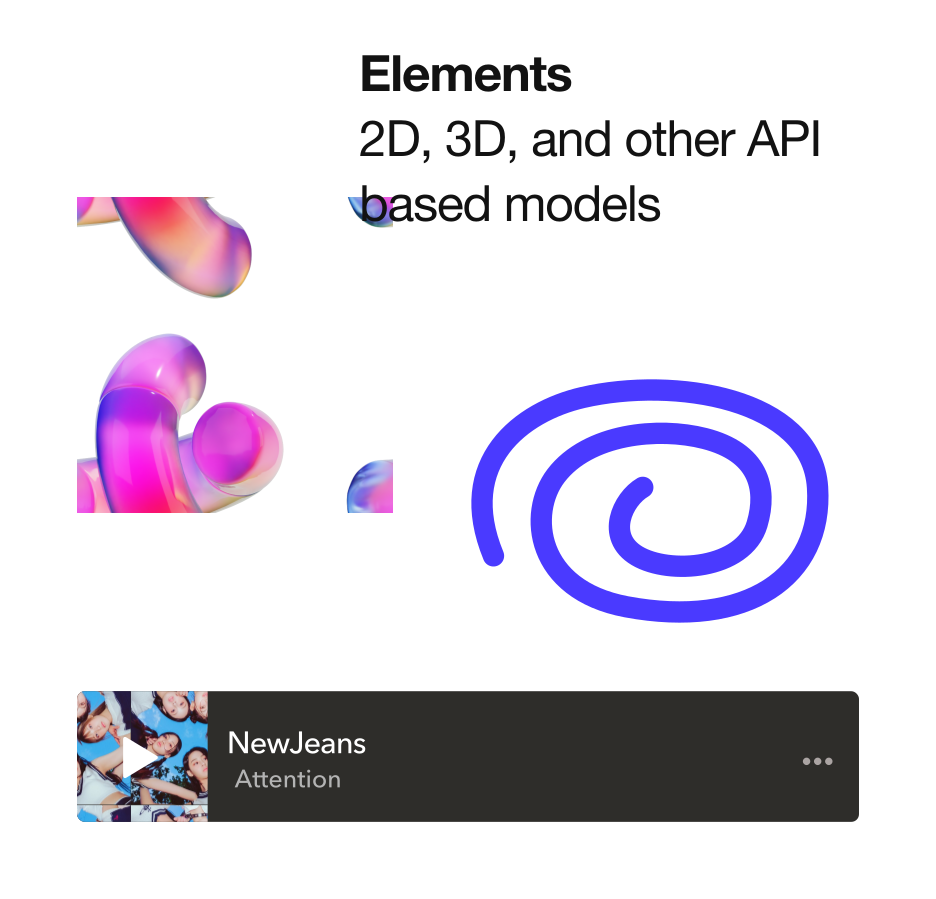
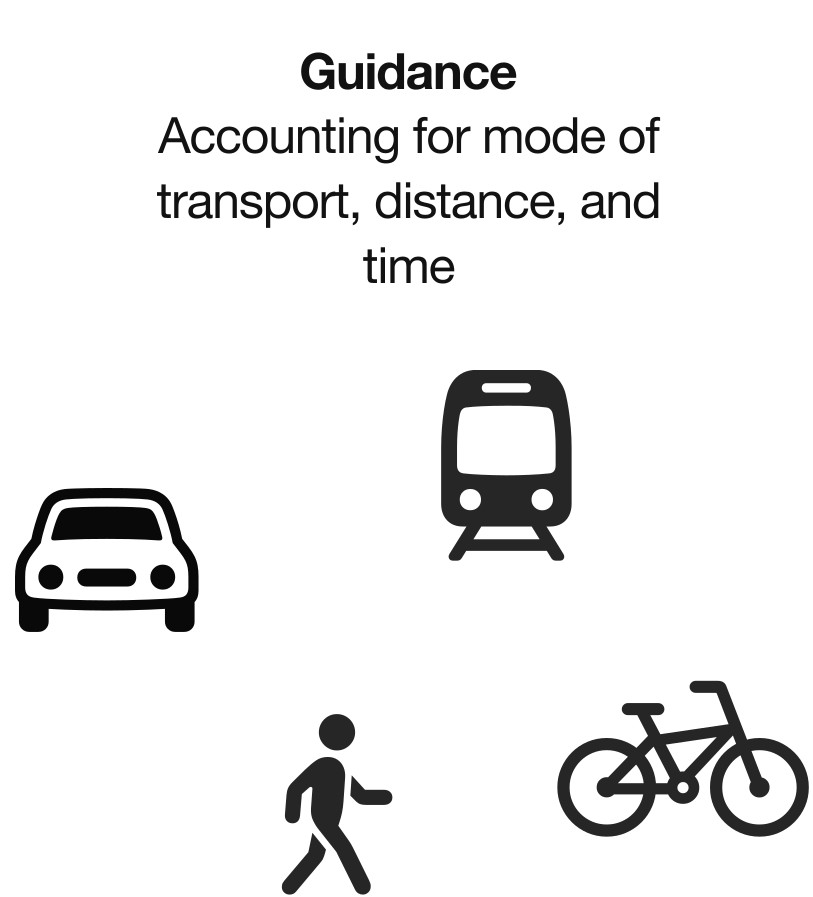
what makes people so apprehensive to explore XR?
Five Interviews
Were conducted to get a better understanding of how the average user perceives and uses AR
A total of five participants were interviewed to better understand their knowelege, skills, and perceptions regarding XR. Affinity mapping was used to narrow interview findings down to three main themes surrounding our pain points.
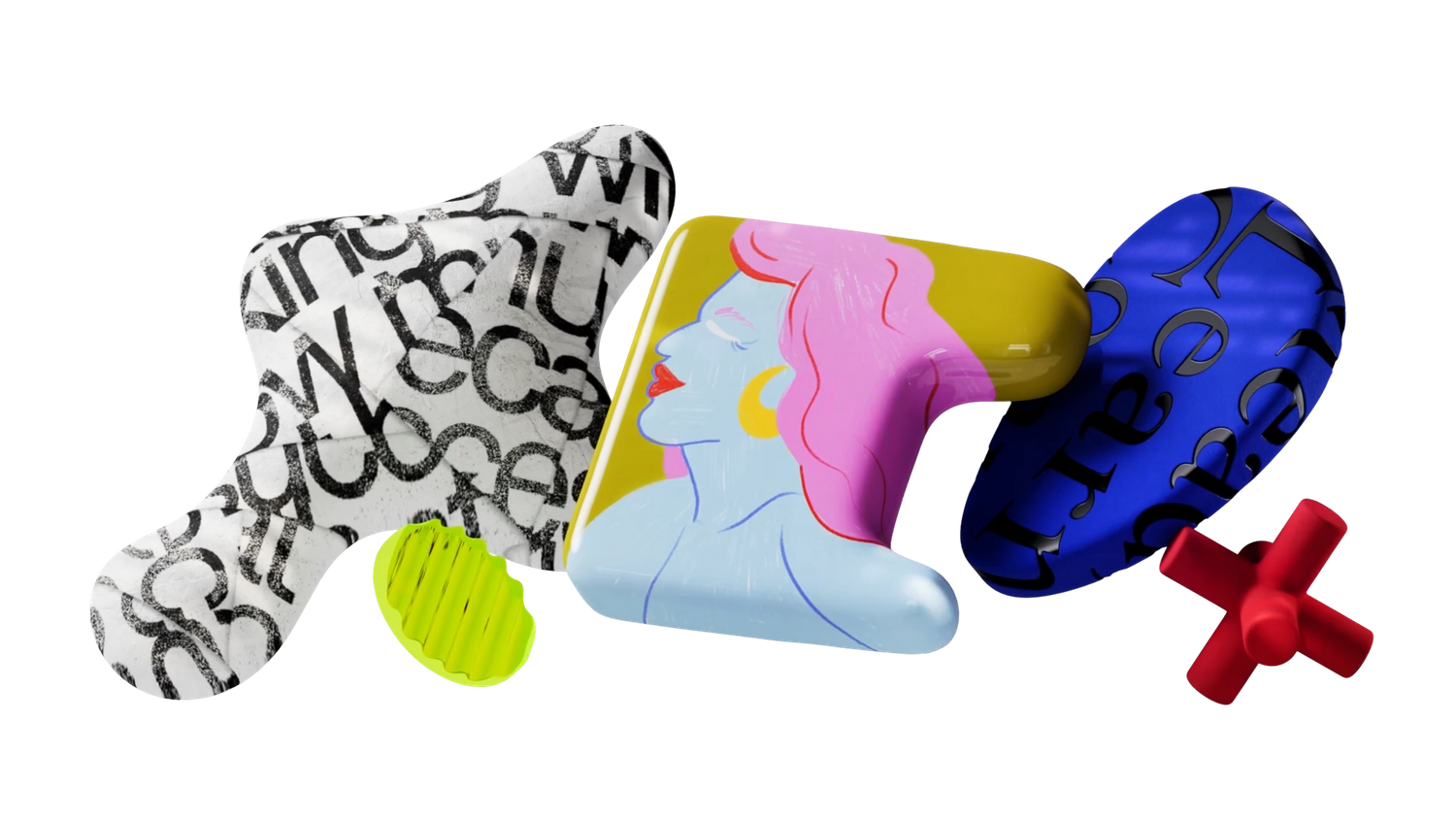
Findings
Feature overload, educational boundaries, and a hesitancy to explore
Pain points
01 FEATURE MISUNDERSTANDINGS
"The only times I've used AR is on Instagram or Snapchat, for filters and stuff . . . I wouldn't know where to begin if I had to make something in AR."
02 GAPS IN XR EDUCATION
"It just seems so complicated without presets. I've heard of Spark and Snap Lens Studio, but you'd need to watch a ton of tutorials just to learn the basics."
03 UNEXPLORED OPPORTUNITIES
"There's something so cool about it being this blend between reality and an online space. The only thing I think 2D has over it is customization."
Proposed solutions
01 CREATIVE CONSISTENCY
Merging all AR, VR, 2D, 3D, text, image, and color assets within a single portal, to ensure the design process is consistent for all elements, even if details may vary.
02 MINIMIZING LEARNING CURVES
Enabling individualized learning at scale, keeping it beginner friendly with basic building blocks while allowing for more advanced AR creation.
03 LEVERAGING NEW TECHNOLOGIES
Emphasizing the merging of reality and creativity by encouraging exploration through social media feeds that spotlight showcases, map pins, and art-centered profiles.
Concept Testing & Iterations
Three participant walkthroughs of the early prototype resulted in key changes


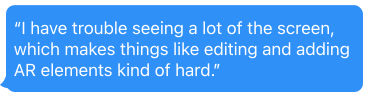


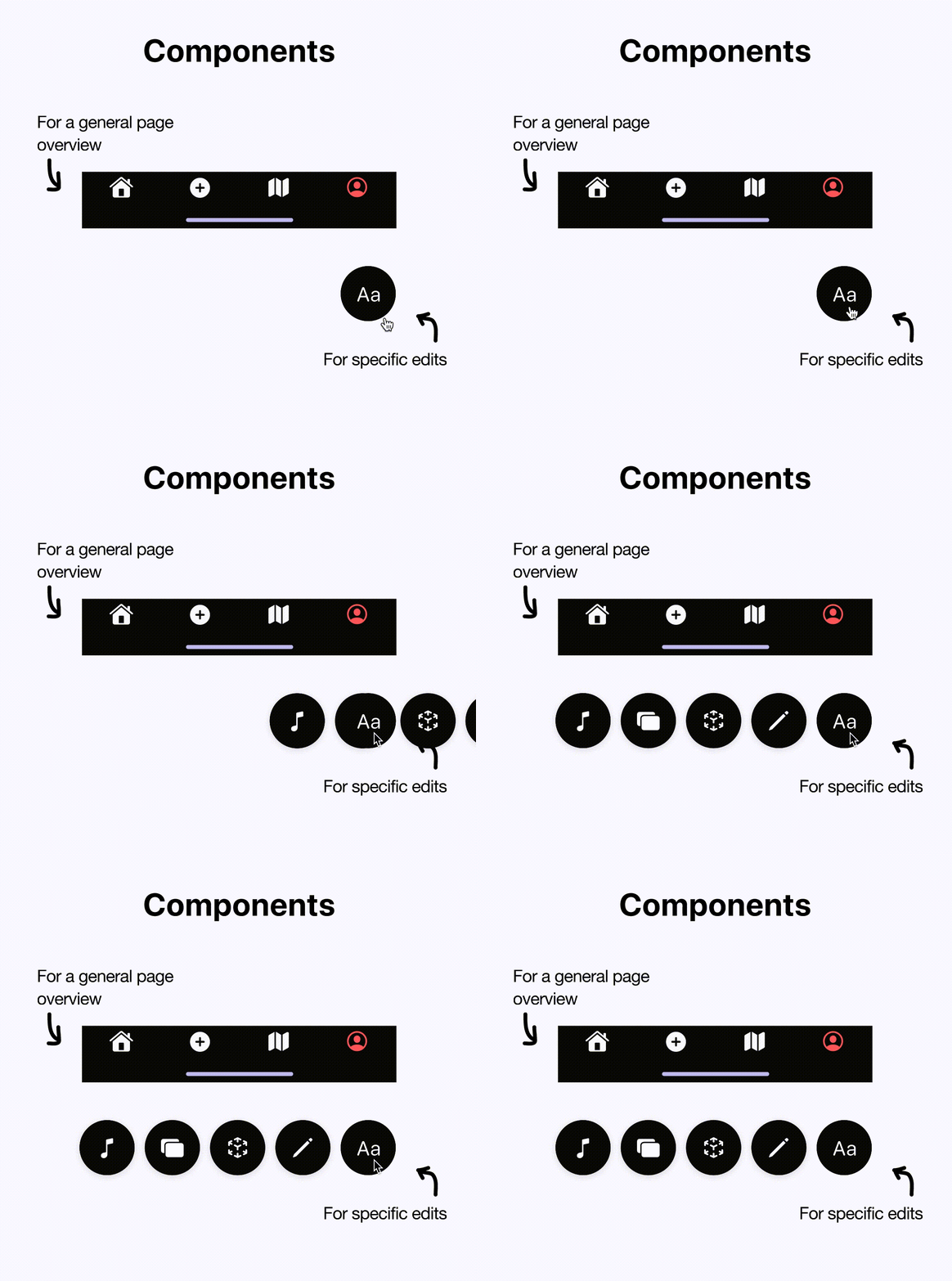
*Making our interfaces more intuitive, organized, and creative with the following improvements of swipe modules, clutter reduction, and expandable components
digital architecture
Information Architecture
Integrating easy AR creation flows with location-based social media posting and sharing
Emphasis was placed on merging standard AR flows and social media based flows so that content exploration felt familar. For example, the "new post" feature where content creation as we typically understand it exists on a platform would also provide a space for XR creation. This merging approach condensed steps users needed to take in order to post (as opposed to having two seperate tabs or flows for XR design and content creation).
Overall, merging existing architecture and flows for XR design and social media design helped reduce our app's learning curve.

system design
UI
Taking a minimalist, modern approach with color variations to set a playful vibe
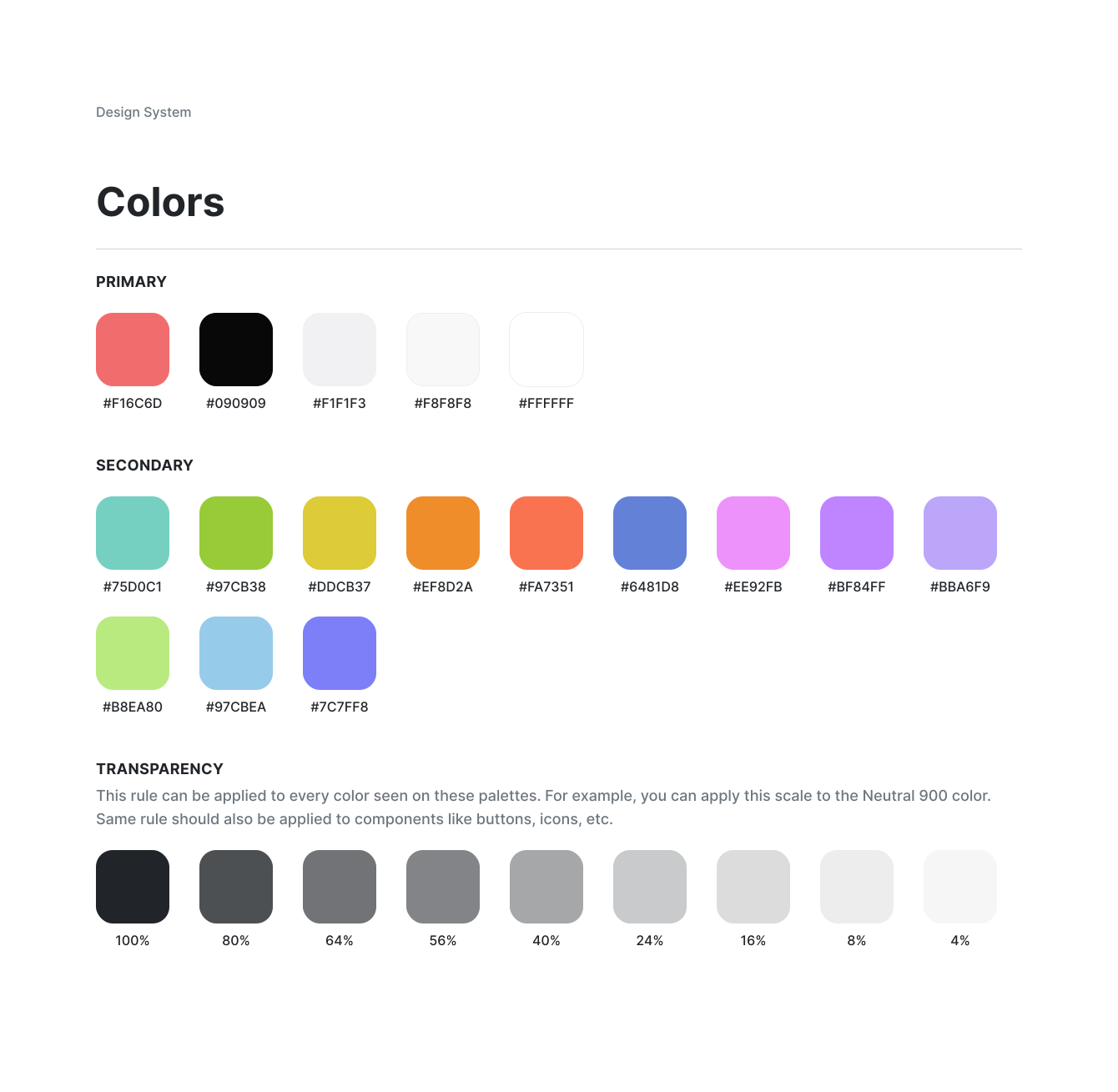
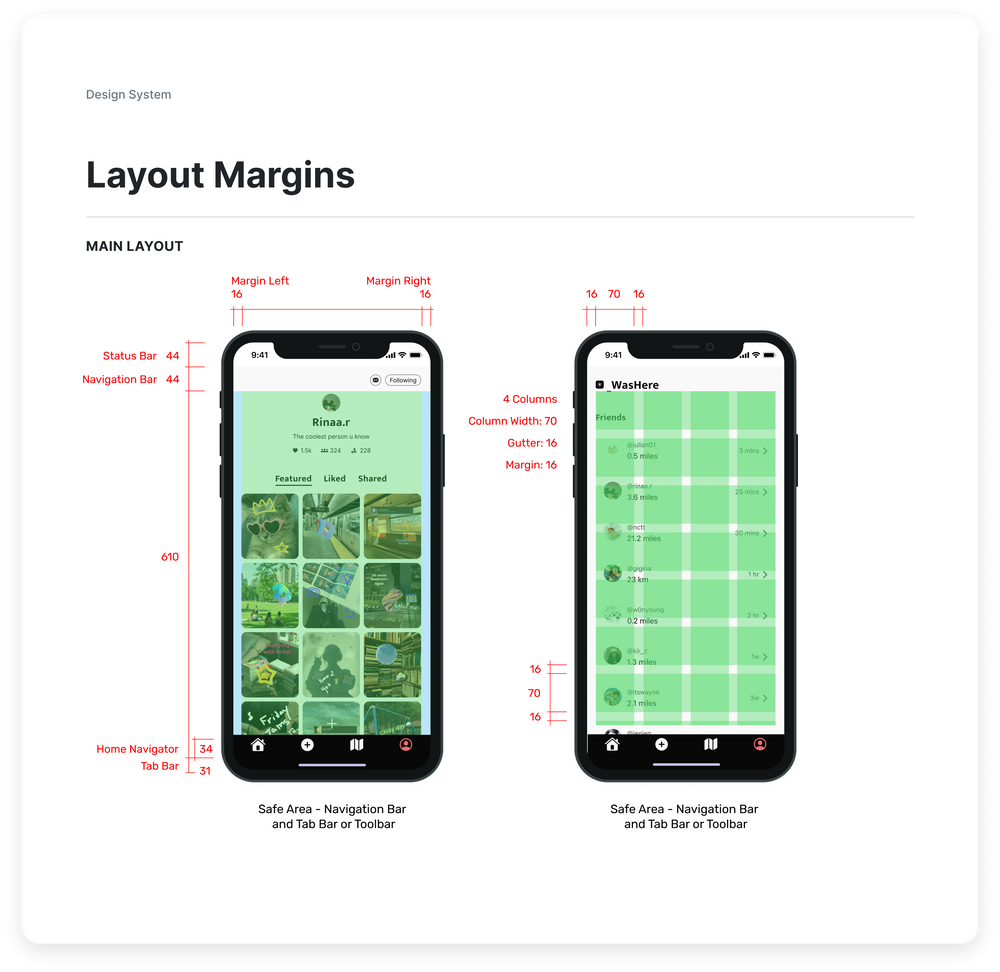
Margins, typography, and colors. All integrated using Figma's Library system to make our layout easily understandable to engineers.
Establishing visual spacing was especially important, as camerawork and videography play a huge role in XR design.

WASHERE
How it works
Create AR figures by using text, freedraw, 3D, 2D, and axis effects

1. Add text and freedraw

2. Personalize by adding 2D and 3D elements
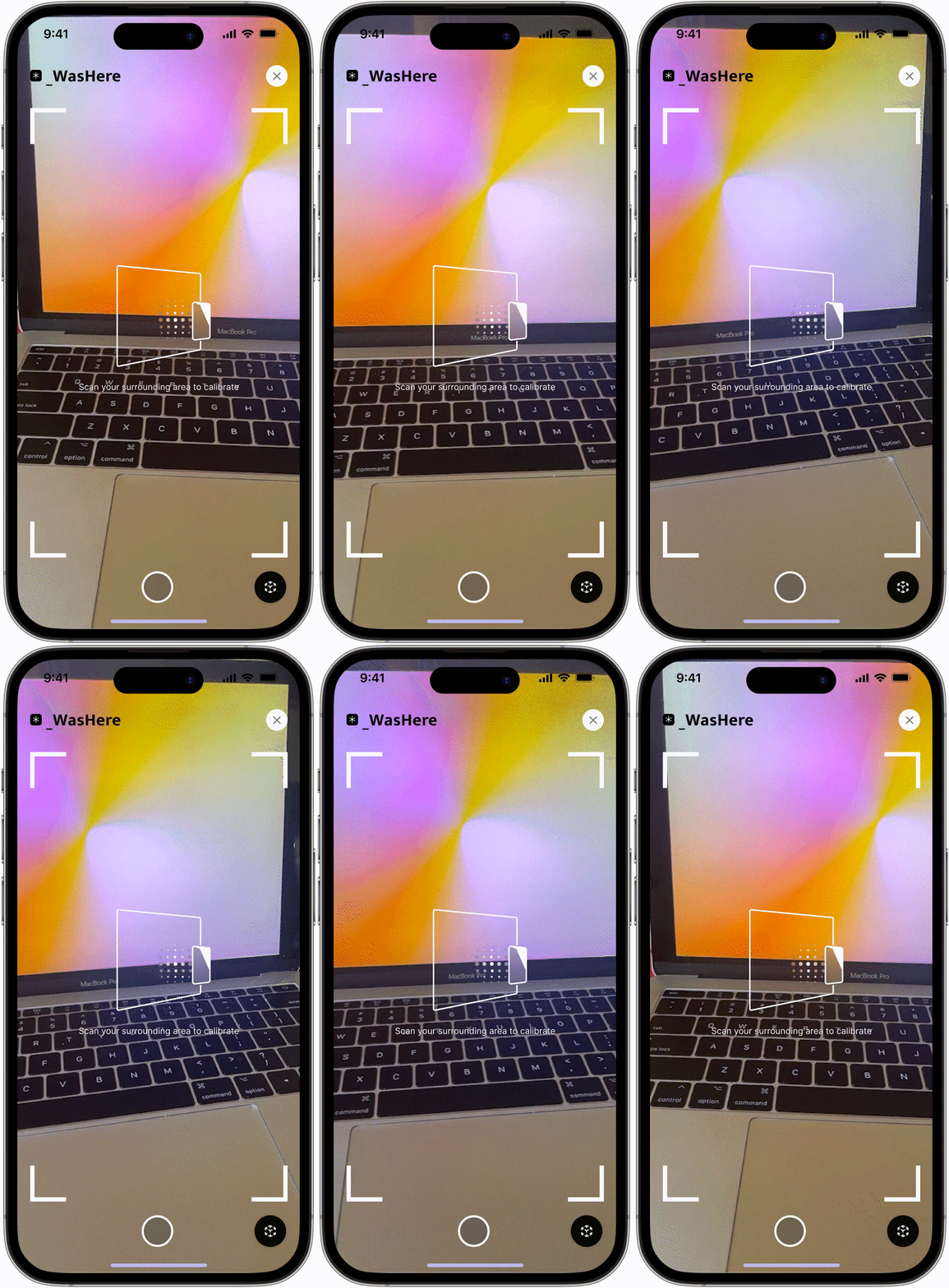
3. Scan location

4. Place elements
Discover featured posts and creators using filters and map features

1. View posts from 🔥 featured users, nearby users, and friends

2. Use filters to find posts relevant to you
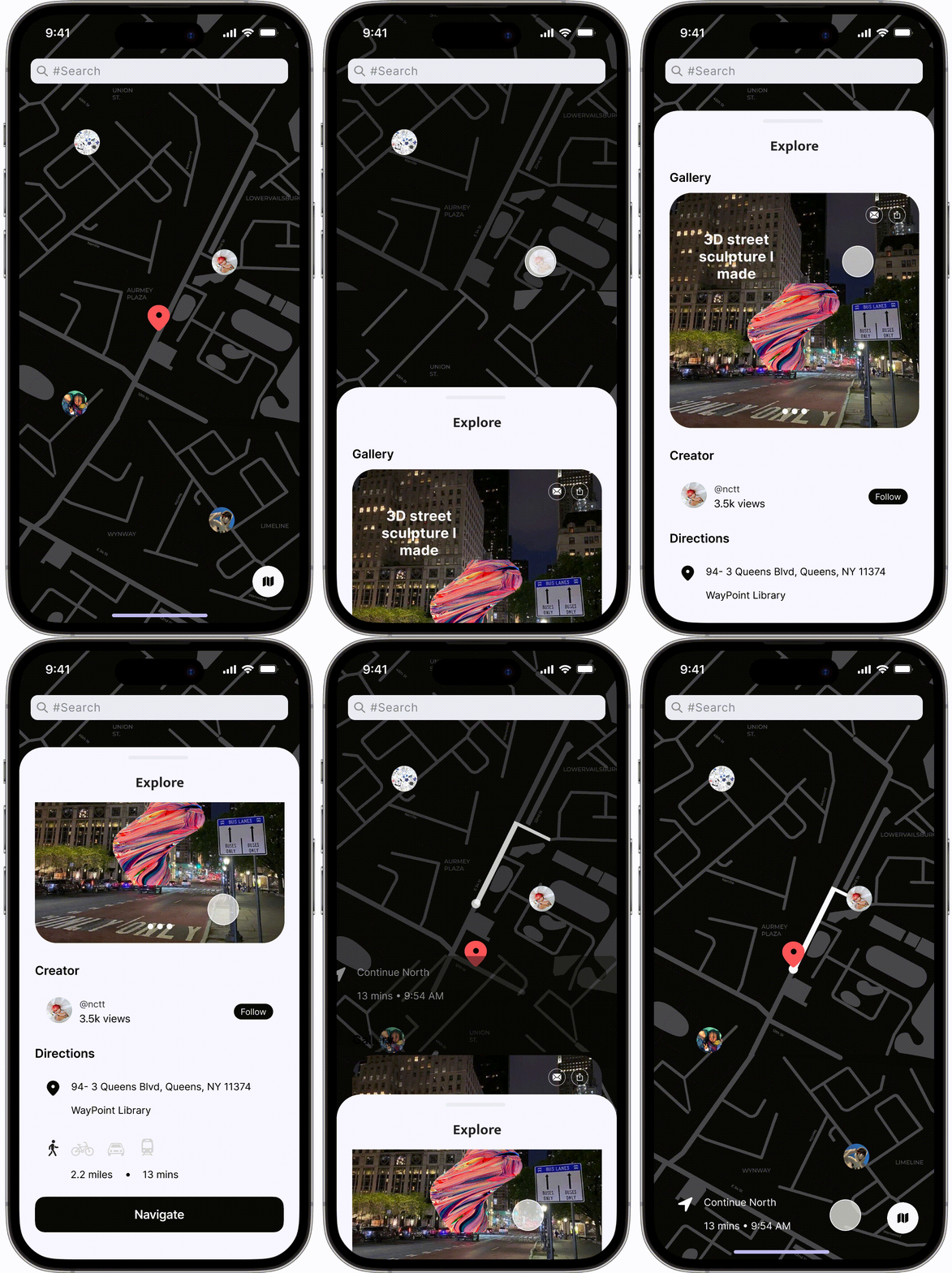
3. Utilize the map to search for posts in their intended enviornment

4. Discover creator profiles
Connect with others by sharing posts from friends and strangers

1. Recieve notifications for new posts
2. Share posts with friends
3. And connect with others!
Takeaways
Design Impact
🌐️ For the user
- Users with no experience in AR design had learning times 2x as fast compared to users walking through our first iteration
- Consistent flows for multiple elements, improving pattern recognition
- Shortening times for creation, search, and posting flows in half after first iteration
🛠️ For the team
- Understanding the importance of creating a sense of trust & reliability by designing tools that fit in an existing system coherently
- Making components, libraries, and elements easily accessible and viewable to engineers
- Keeping advanced micro-interactions simple with Figma SmartAnimate
Common Q's
Coming soon
A notion page where I answer designer faq's like:
- "How did you create [INSERT MICRO-ANIMATION]?"
- "How did you implement AR into Figma?"
- "You can make a marquee in Figma?!" and other pressing questions.
NOTICE
Zerin believes in keeping tech design accessable and transparent, so if you have any questions just send an email and she'll be sure to get back to you and send any resources!
